
Situations where you will consume credits
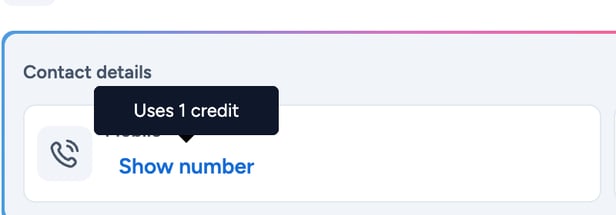
- Showing a mobile number: When requesting Show number to view a mobile number, one credit is consumed. You're only charged if a number is found, and it's free if your organisation has already paid for that record. This can be requested within the Firmable platform:
Also in the browser extension: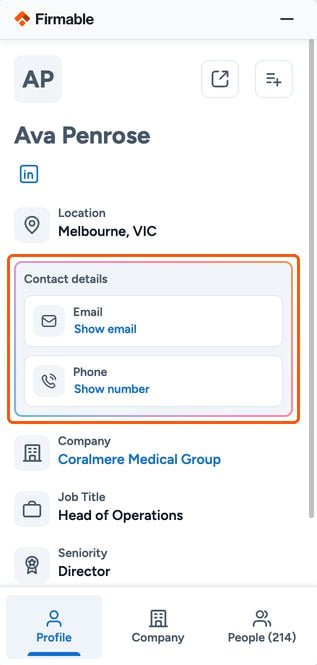
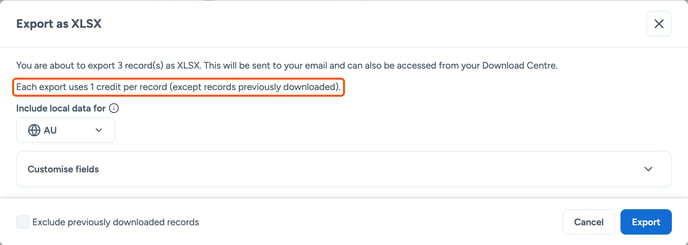
Download our browser extension for Chrome or Edge. - Downloading a record or pushing a record to your CRM for the first time: The first time you download or push a record, it will use one credit. After that, downloading, pushing or enriching that record is free for everyone in your organisation, and a Download Centre Refresh only uses credits for records never paid for. We regularly update company records with new data, so if you download the same company record again, even if the data has been updated, it will not use any additional credits. Read more about how to download and access data.
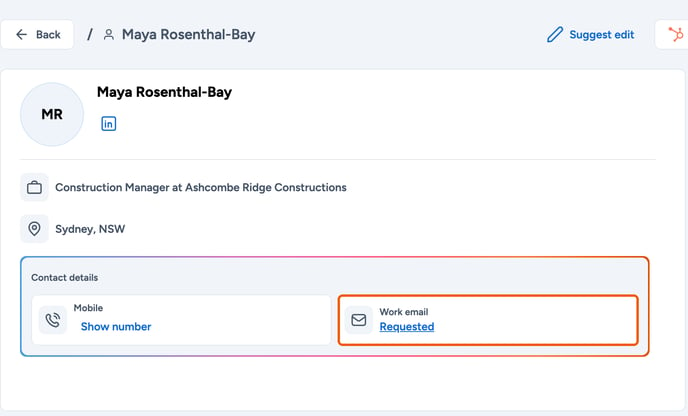
- Revealing requested contact information: If you need a mobile number or work email that isn't available on our platform, you can request it for free. When we find it, you'll get a notification in the Data requests tab of the notifications bell. Revealing a found mobile number uses one credit (free if your organisation has already paid for that record). Found work emails are free to view in the web app. Learn more about how to request info.
- When enriching a record in your CRM: You will also consume one credit when enriching a record in your CRM, unless your organisation has already paid for it, for example by pushing or downloading it (see Downloading a record or pushing a record to your CRM above), in which case you won’t consume another credit. Enriching a record will only use one credit per contact or company, regardless of how many fields are enriched. And if you have previously enriched the record, you can re-enrich it without using additional credits.
This applies when using the HubSpot Enrichment app (learn more about how to use the HubSpot Enrichment app) or when pushing a record that already exists in your CRM from Firmable.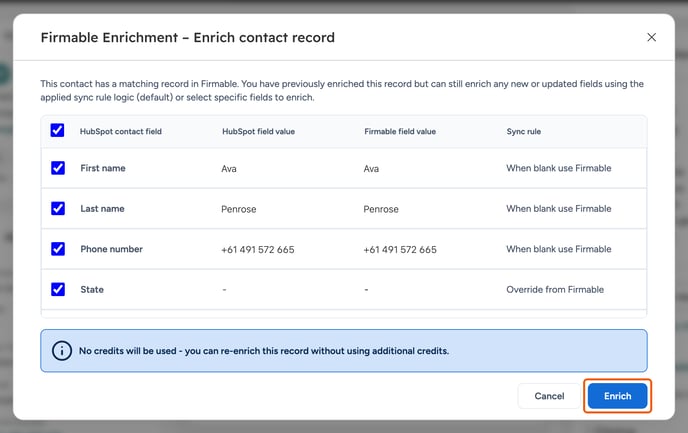
See how to manage and add more credits. - Getting a company or person profile through MCP or the API: This uses one credit per profile, unless your organisation has already paid for that record. Getting the same profile again is free.
- Revealing a work email through MCP or the API: This uses one credit per person, unless your organisation has already paid for that record. Showing a work email in the web app, mobile app or browser extension is free.
- Checking DNC status: Using Check DNC on a mobile number uses one credit.
- Including Tech Intelligence in a download or a Data exchange company upload, pushing it to a CRM field you've mapped it to, or fetching it through MCP or the API: This uses one credit per technology, up to five credits per company. This includes CRM agent enrichment and signal agent CRM actions when Tech Intelligence is mapped. Companies your organisation has already paid for with Tech Intelligence aren't charged again. Searching by technology, and viewing technologies on a company profile, is free.
- CRM agent enrichment: This uses one credit per new record. Re-enriching a record, or enriching a record your organisation has already paid for, doesn't use another credit.
- Signal agent CRM actions: Creating a CRM record when no match is found uses one credit per record, unless your organisation has already paid for it. Adding tasks and notes to records already in your CRM is free.
- AI adoption and decision tools through MCP or the API: AI adoption uses one credit for every five companies returned, or three credits per company when you ask for the evidence. Decision tools use one credit for every 25 yes or no answers, or two credits with reasoning. Companies with no AI adoption data, and unknown answers, are free.