Below is an overview of the steps to follow when requesting a missing phone number or work email for an individual.
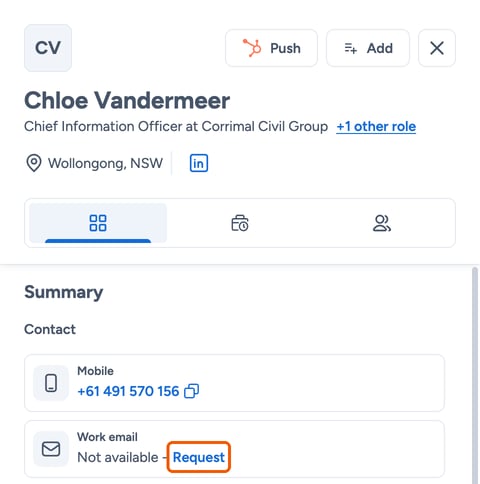
- When using Firmable, you may encounter contacts where the phone number or work email field shows Request.
- Requesting is free. Our team will work on finding the missing details for you.
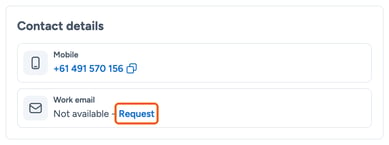
- You'll see Request in both the quick view and the full profile. On a profile, a missing mobile or work email shows Not available with a Request link.
- Open a profile, then click Request next to the mobile or work email. It changes to Requested.
- When the details are found, you'll get a notification in the Data requests tab of the notifications bell in the top navigation bar (available on every plan, including Individual), for example "Phone for [name] is now available". Click the notification to open the person's profile.
- Revealing a found phone number uses 1 credit (free if your organisation has already paid for that record). Work emails are free to view in the web app.