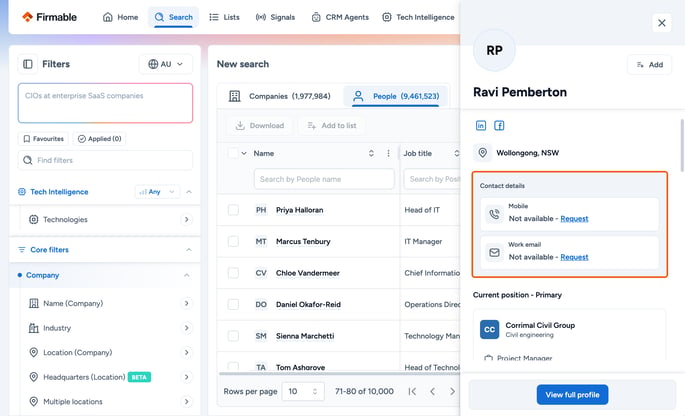
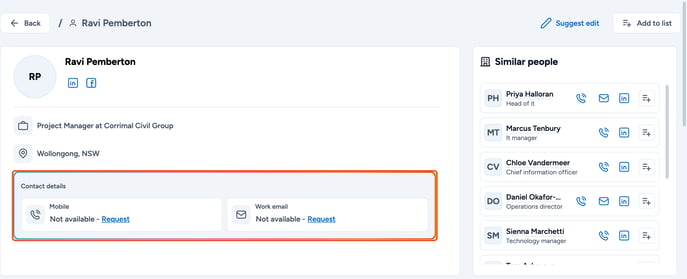
Below is an overview of the steps to follow when requesting a missing phone number or work email for an individual.
- When using Firmable, you may encounter contacts where the phone number or work email field shows Request.
- Requesting is free. Our team will work on finding the missing details for you.
- You may come across contacts with a Request button in both quick view and full view.
- Simply click on a profile, and then click on the Request button in the phone number or work email field. The button changes to Requested.
- When the details are found, you'll get a notification in the Data requests tab of the notifications bell in the top navigation bar (available on every plan, including Individual), for example "Phone for [name] is now available". Click the notification to open the person's profile.
- Revealing a found phone number uses 1 credit (free if your organisation has already paid for that record). Work emails are free to view in the web app.