
Below is an overview of the steps to take when signing up to a paid subscription plan with Firmable. It will walk you through the steps of creating your account, choosing a plan, adding users, and entering your credit card details to get started today.
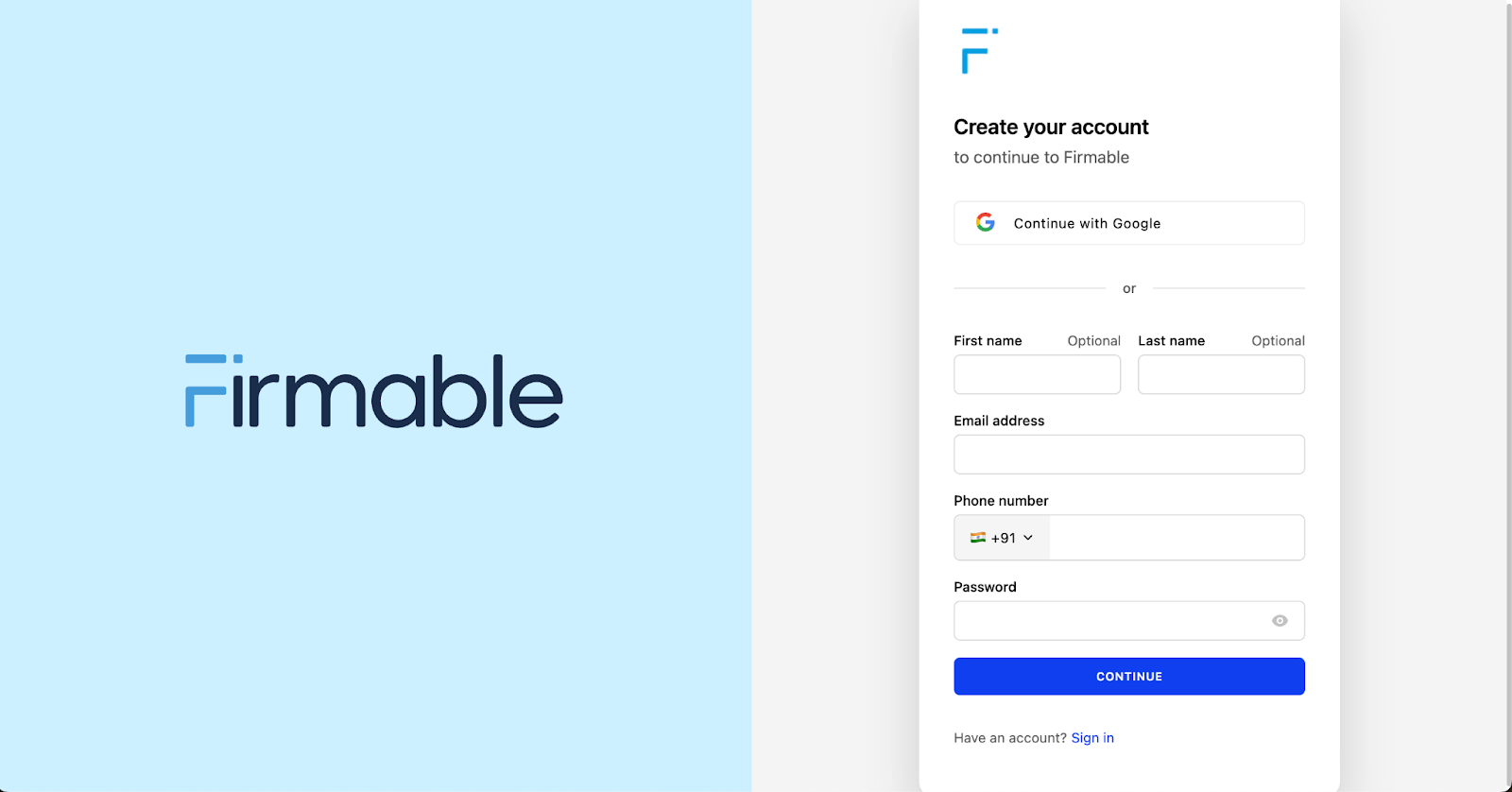
- Visit the Firmable sign-up page.
- Create your account by entering your details including First name, Last name, Email address (work email), Phone number, and create a Password, then click Continue.
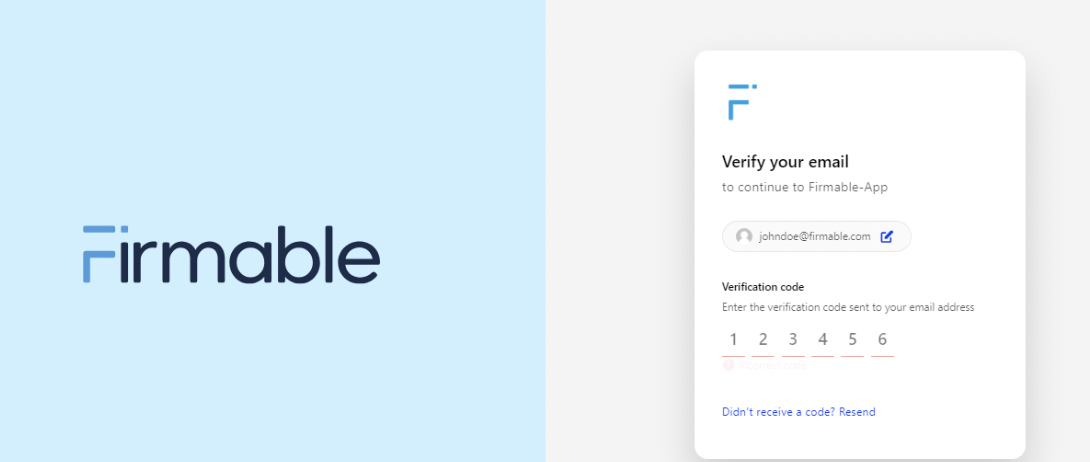
- You will then be prompted to verify your email address and mobile phone number. Enter the Verification code sent to your email and phone to proceed.
- Create your company by entering Company name next, then click Create.
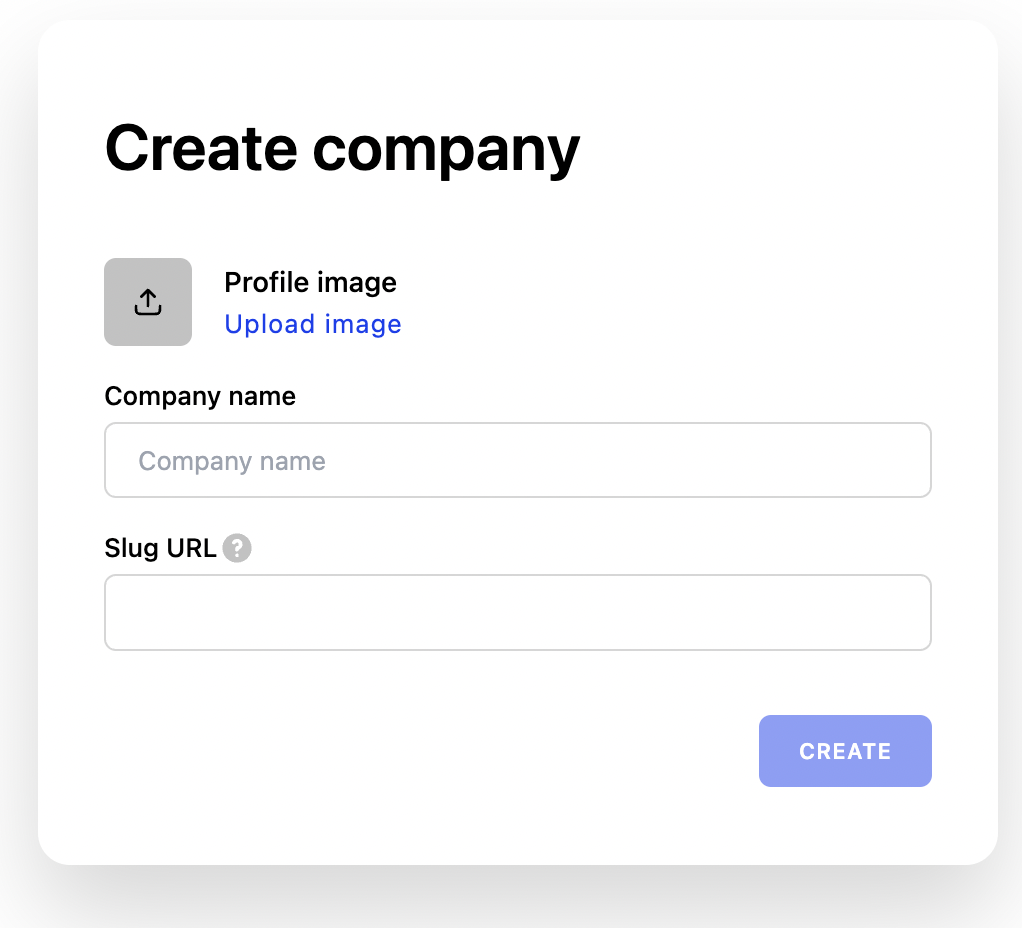
Note: You do not need to enter or change the Slug URL here; we will automatically create this for you based on your Company name.
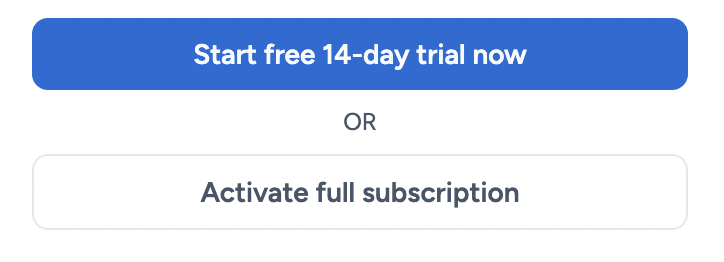
- You'll then see the free trial screen. To subscribe straight away, click Skip the trial and subscribe now. To try Firmable first instead, click Start free 14-day trial (no credit card needed).
- You will then be taken to a Plans and subscriptions page where you can select which plan you'd like to sign up to. Learn more about the different subscription plans available here.
-2.png?width=624&height=353&name=image%20(1)-2.png)
- Choose your ideal plan. Click Add users if you're selecting a Small Teams or Teams Pro subscription and would like more members of your organisation to use Firmable. Review the rest of the information on the right, click the checkbox for Agree to our terms and conditions, and select Activate full subscription.
- Enter your credit card details and click next to complete the process. If you'd rather try Firmable first, see How to sign up to a free trial. You can upgrade or cancel at any time.
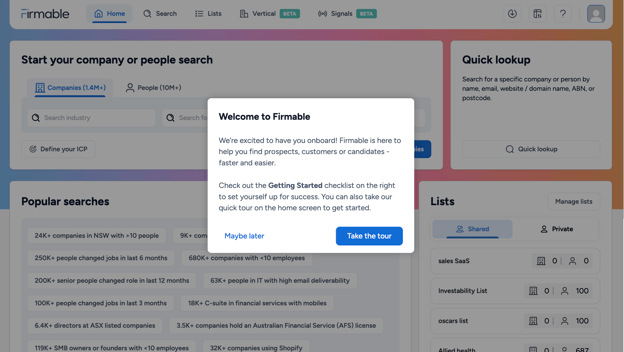
- You will now be signed up to the selected Firmable subscription plan. Take a guided tour of the platform and get started immediately.
Learn how to invite other team members to your paid subscription.