
The Notifications tab is your inbox in the Firmable mobile app. An unread badge appears on the tab whenever you have unread notifications.
Notification types
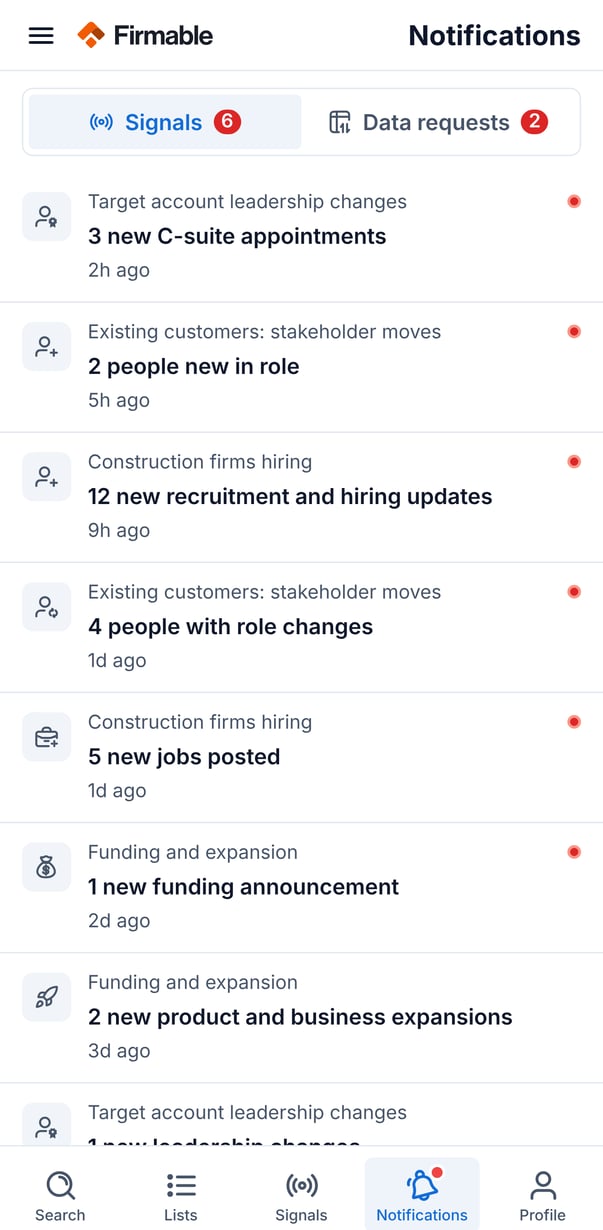
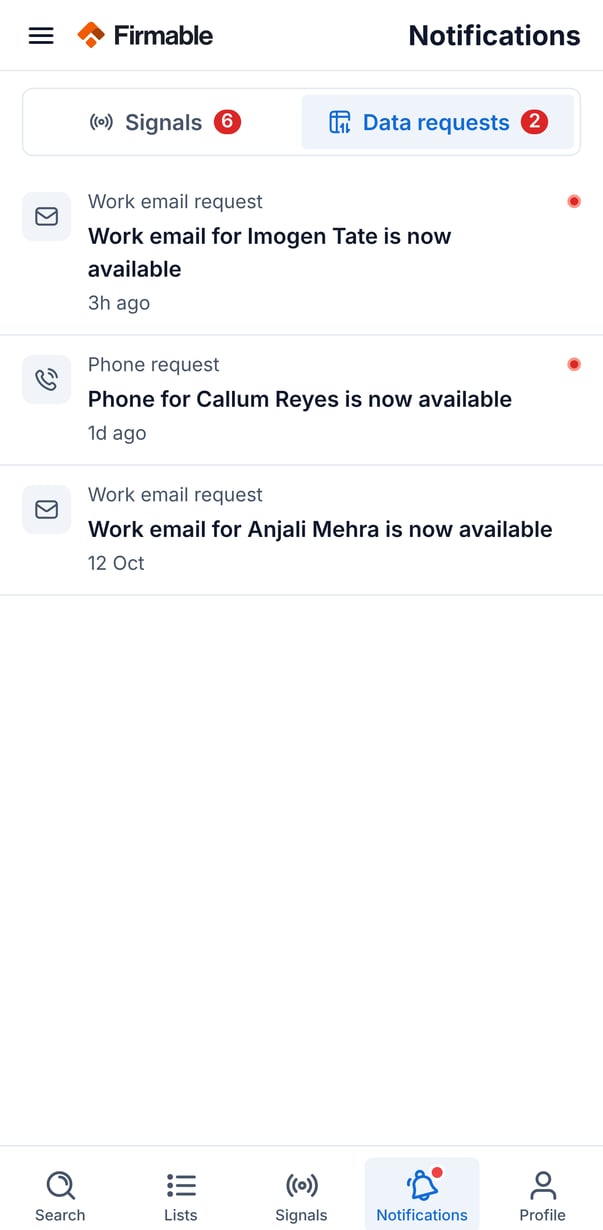
Notifications are split into two tabs, each showing its own unread count:
- Signals: alerts triggered by your signal agents. Tap one to jump straight to that agent's signals.
- Data requests: updates on contact-detail requests you've made. Tap one to see the detail.
Managing notifications
- Tapping a notification marks it as read.
- Pull down to refresh the list.
- When a tab has nothing to show, an empty state appears.