Signals surface real-world events, including buying intent, company changes, and people changes, captured by your signal agents. On mobile you can view and act on signal results; signal agents themselves are created and configured in the Firmable web app.
Prerequisites
Before viewing signals in the mobile app, ensure the following:
- Your team has created at least one signal agent in the Firmable web app. If none exist, the Signals tab shows an empty state pointing you to set them up on the web.
Signals home
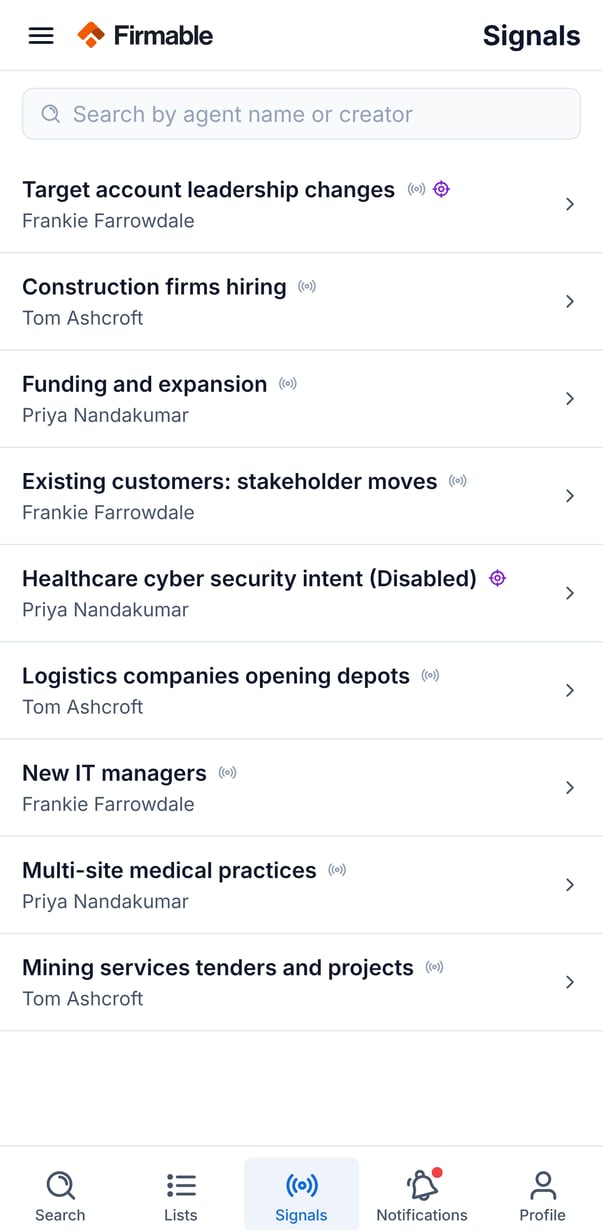
The Signals tab lists every signal agent in your organisation.
- Search agents by name or creator.
- Pull down to refresh the list.
- Each row shows the agent name (marked as Disabled if inactive), who created it, and icons for what it tracks.
Viewing a signal agent's results
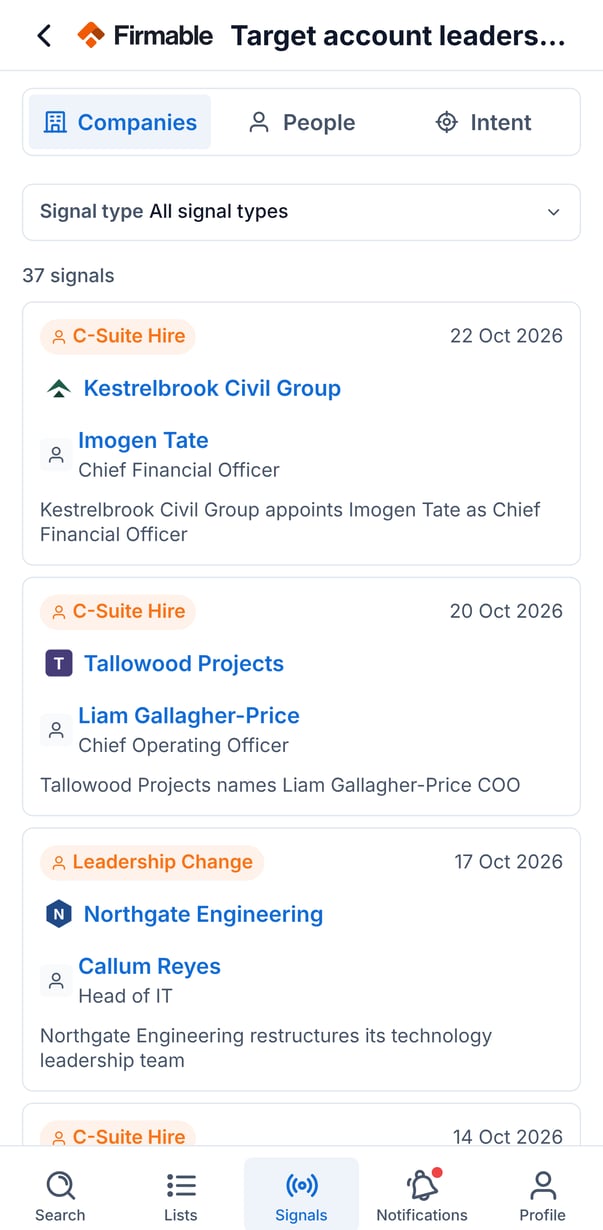
Tap an agent to open its detail page, with tabs for the categories it tracks:
- Companies: company-level events such as funding, leadership changes, and expansion.
- People: people-level events such as job changes and promotions.
- Intent: buying-intent topics, each with a surge rating (High, Medium, or Low) and a trend (up, down, or stable).
Use the signal-type filter to narrow results to a specific type, or a specific topic for intent signals.
Signal cards
Each signal card shows the signal type and date, the company and/or person involved (tap through to their profile), and a short summary.
To act on multiple signals at once, long-press to select, then tap Add to list. Download and Push to CRM options also appear here but are not yet available.
Signal detail
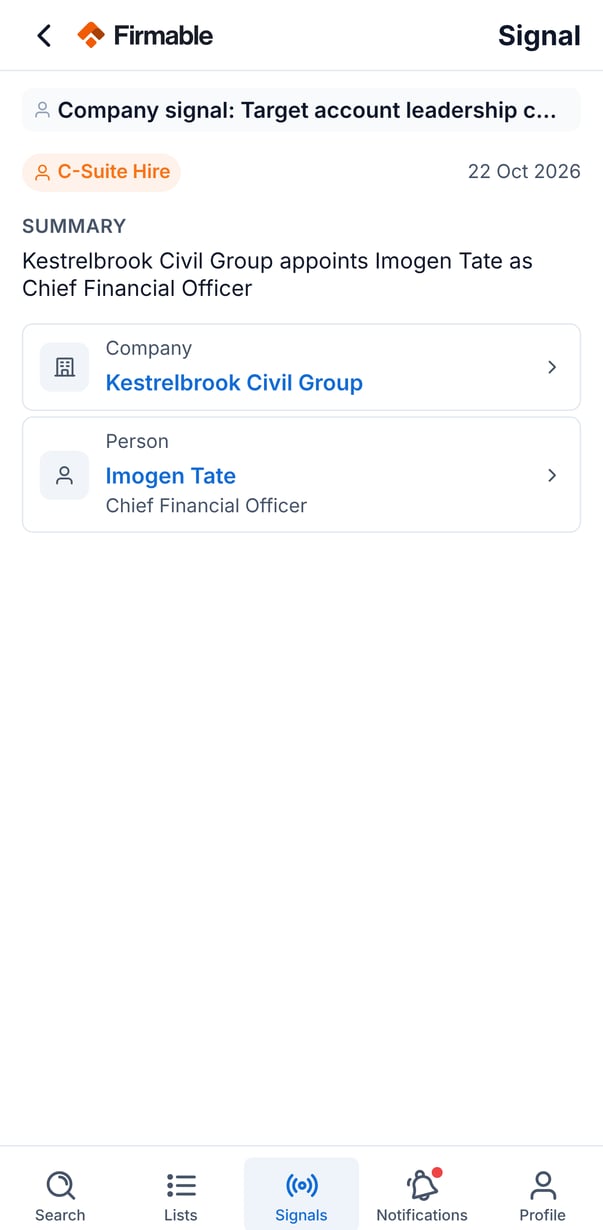
Tap a card to see the full detail: the signal type and category, the agent that surfaced it, a summary, and the linked company and/or person. For intent signals, the detail also shows the topic, surge rating and score, trend, and timeframe.