
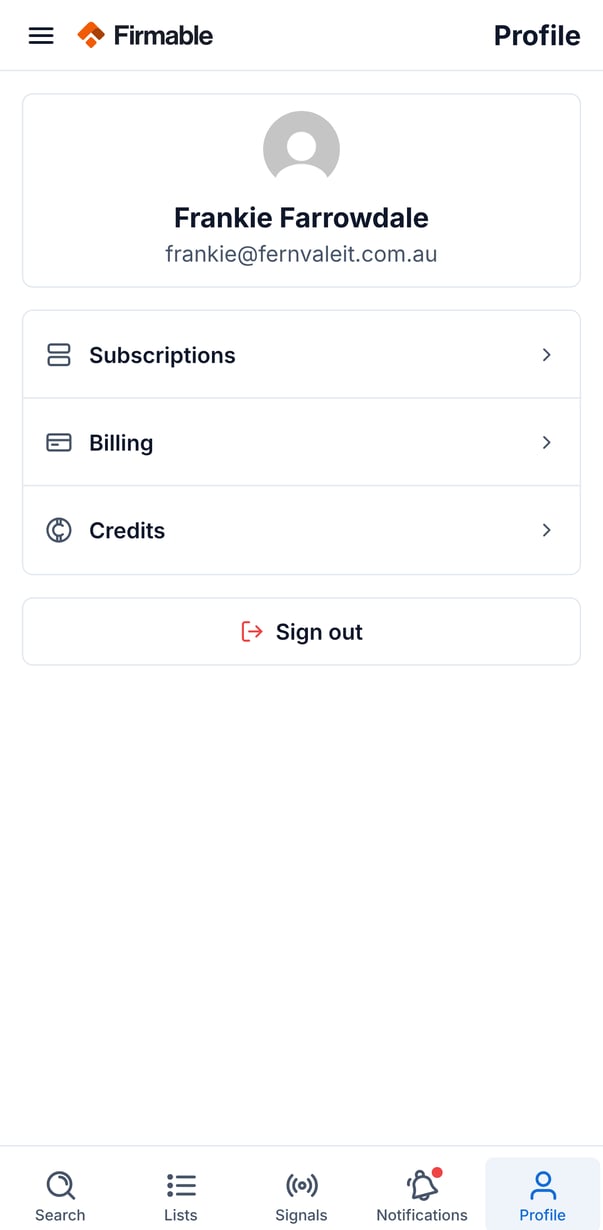
The Profile tab (also reachable from the side menu) is where you manage your account in the Firmable mobile app, including your subscription, billing, and credit balances.
What you'll find in the Profile tab
- Your details: your photo, name, and email.
- Subscriptions: your plan name, billing interval, price per user, number of users, credits per month, renewal date, and billing country.
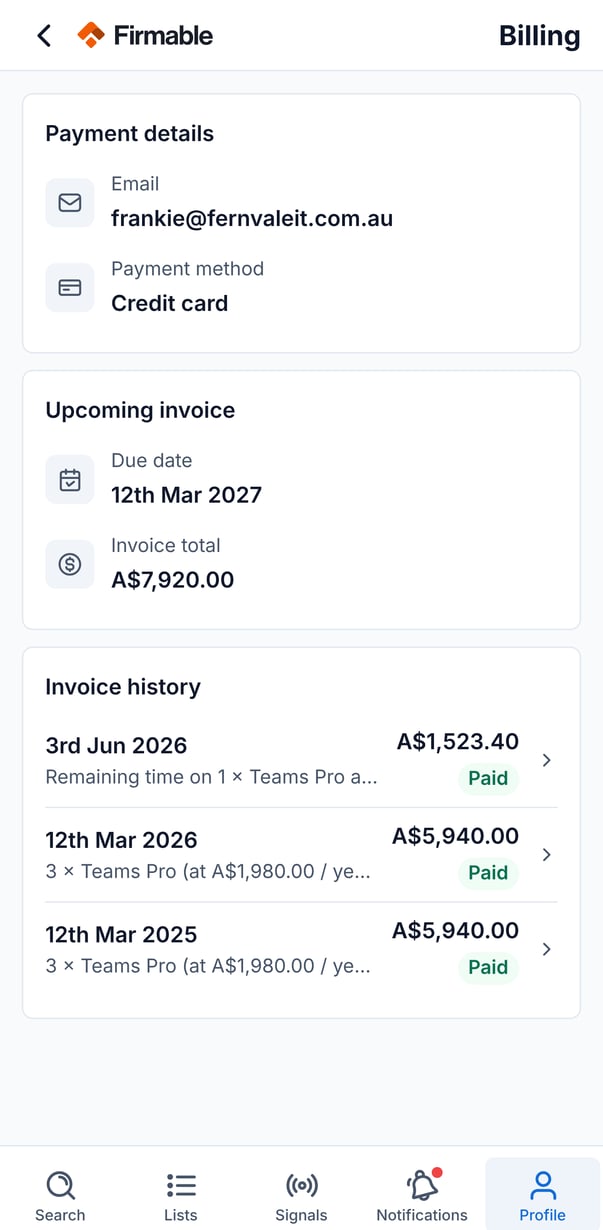
- Billing: your payment method and invoice history, including PDFs and any upcoming invoice.
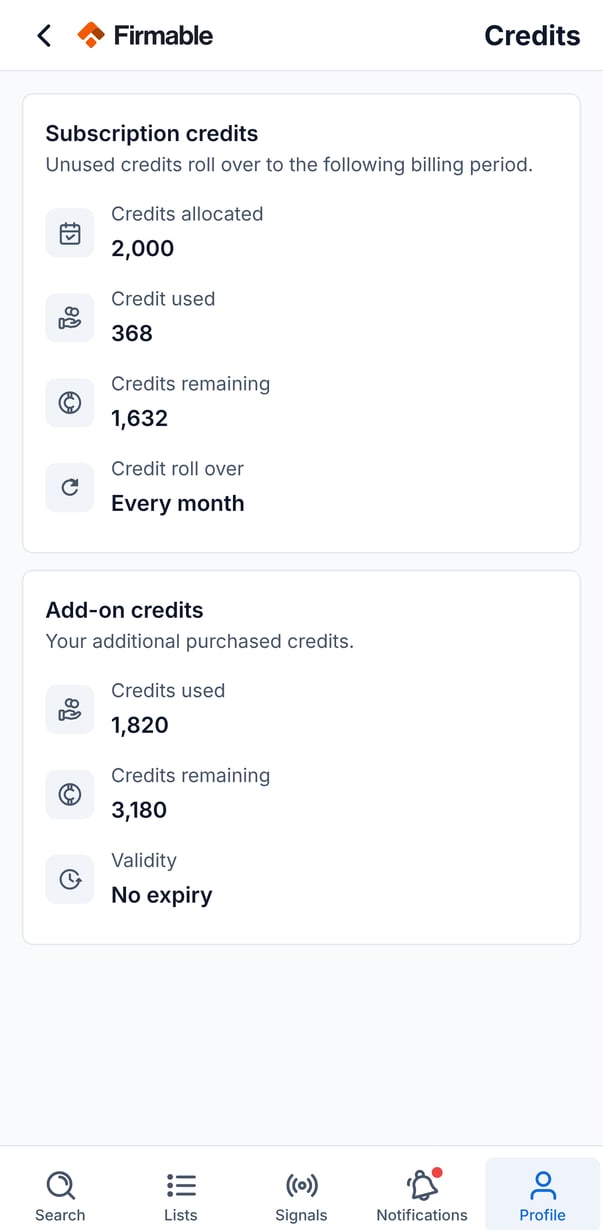
- Credits: your subscription and add-on credit balances (see below).
- Sign out: signs you out of the app, with a confirmation step.
Prerequisites for viewing billing
Before viewing billing details in the mobile app, ensure the following:
- You are an admin on your Firmable account. Non-admins see a message that their company administrators can access billing.
Understanding your credits
Your Firmable plan includes a monthly credit allowance. The Credits page shows two types:
- Subscription credits: shows allocated, used, and remaining. Unused subscription credits roll over when you stay on your plan or upgrade, on both monthly and annual plans.
- Add-on credits: shows used and remaining. These are purchased extras and have no expiry.
What uses a credit
- Revealing a person's mobile number uses 1 credit, and only when a number is found. Once revealed, the number stays visible and is free to view again. If your organisation has already paid for that person's record (for example by downloading or pushing it), revealing the number is free.
What doesn't use credits
- Browsing company and people profiles.
- Revealing and viewing work email addresses.
- Adding records to lists.
- Requesting missing contact details. If Firmable finds a mobile number, revealing it uses 1 credit as above.