Skip to content
  • There are no suggestions because the search field is empty.

How to reset your Firmable password

This guide outlines the steps to reset your Firmable password.

How to reset your Firmable password

  • Visit firmable.ai and click login.
  • Enter your work email on the Log in page and click Continue.
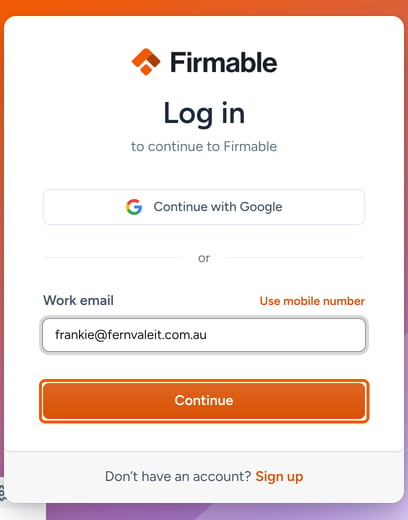
The Firmable Log in page with a work email entered and the Continue button highlighted

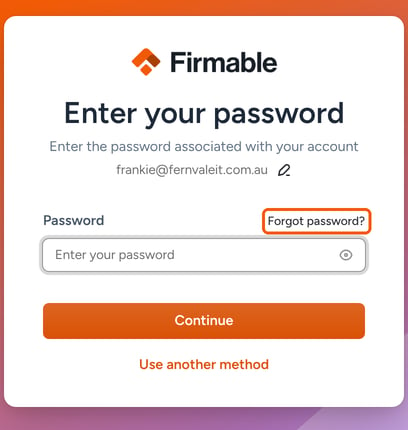
  • Click Forgot password?

The Enter your password page with Forgot password? highlighted

  • Click Reset your password and you will receive an email with a verification code.
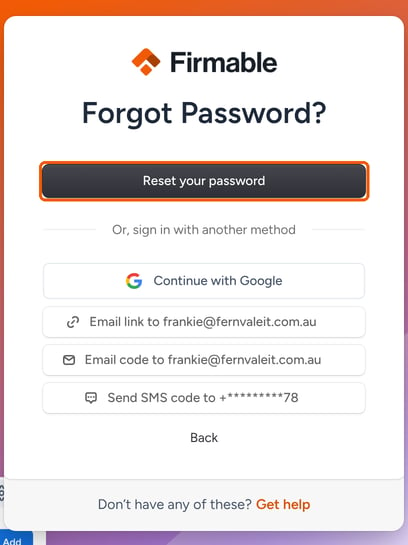
The Forgot Password? page with the Reset your password button highlighted

  • Enter the verification code and select Continue.
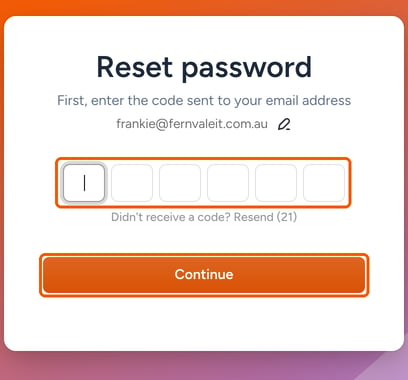
The Reset password page with the code boxes and the Continue button highlighted

  • Enter and confirm your new password, then click Reset Password.
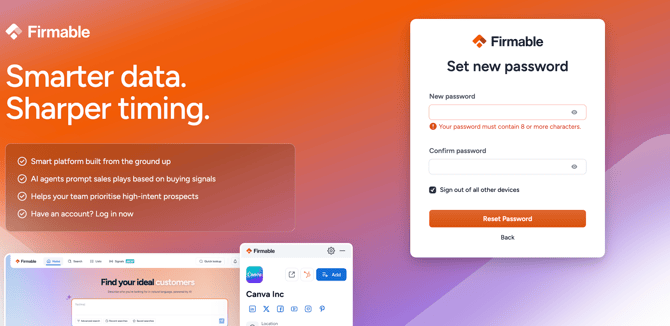
Screenshot 2026-04-28 at 9.23.31 AM

  • Your password will now be updated.