
Below is an overview of the steps to take when signing up to a free trial with Firmable. Explore our extensive database of company and people records. Your trial runs on Teams Pro for 14 days, so you can explore every Teams Pro feature, and you don't need a credit card to start.
- Visit firmable.ai and click Start free trial.

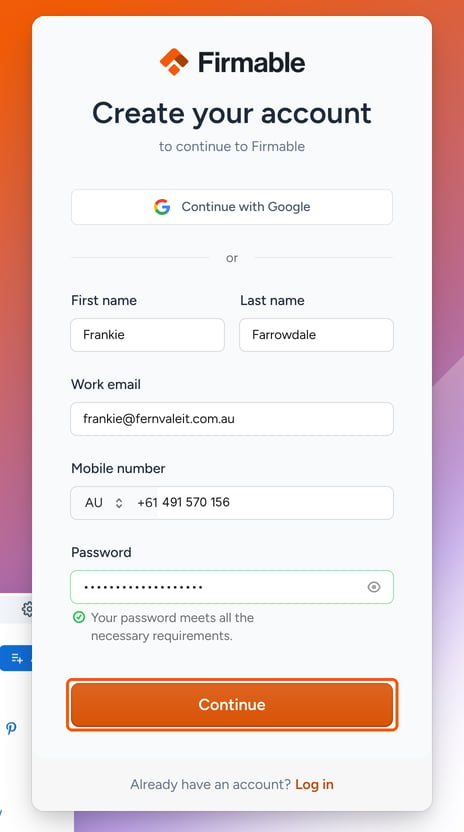
- Create your account by entering your details including First name, Last name, Work email, Mobile number, and create a Password, then click Continue.
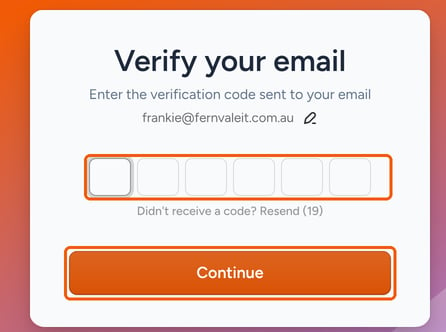
- You will then be prompted to verify your email address and mobile phone number. Enter the Verification code sent to your email and phone to proceed.
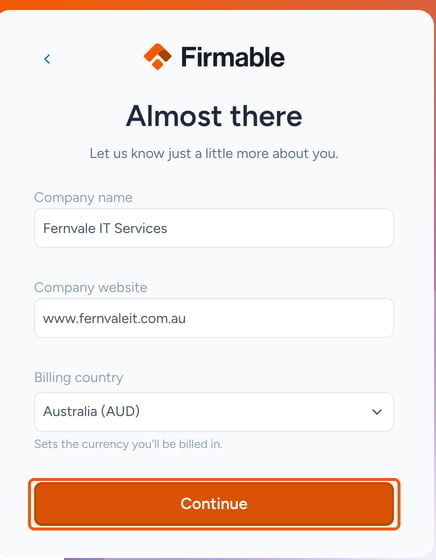
- Tell us about your company: enter your Company name and Company website, choose your Billing country (this sets the currency you're billed in), then click Continue.
- You'll then see your trial details: a 14-day Teams Pro trial with no credit card needed. Learn more about the different subscription plans available here.
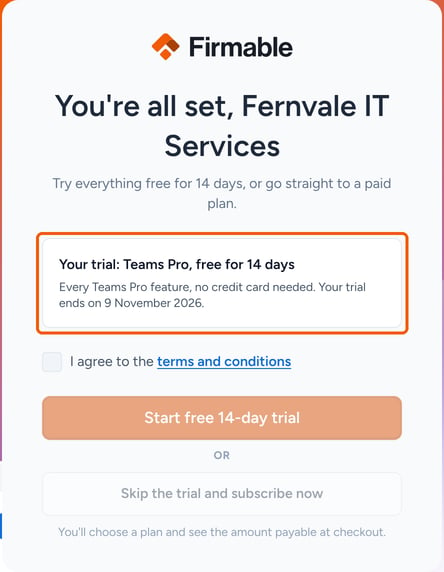
- Select I agree to the terms and conditions, then click Start free 14-day trial.
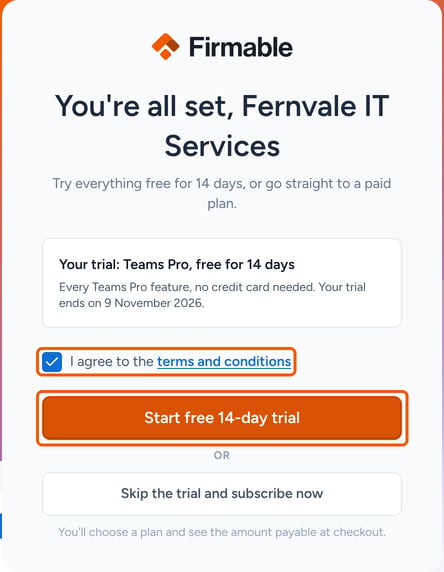
Note: You can click Skip the trial and subscribe now if you'd like to get started immediately with a paid plan.
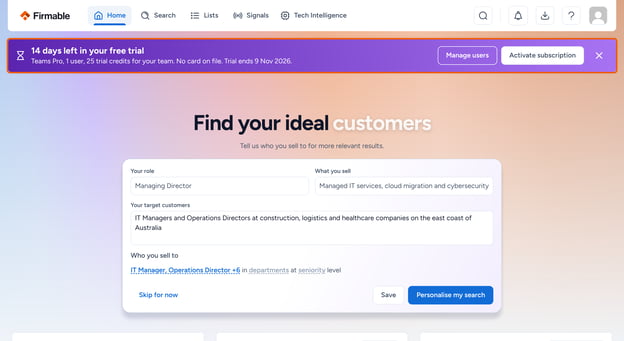
- Your 14-day Teams Pro trial is now active. On the Home page, tell us who you sell to for more relevant search results, or click Skip for now.
- During your trial, a banner shows how many days are left. Click Activate subscription on it to choose a paid plan early.
- If your trial ends without a payment method, your subscription is paused, not cancelled. Admins see Your free trial has ended and can click Add payment method to keep using Firmable. Your lists, searches and saved work are kept.
Learn how to invite other team members to your trial or paid subscription.
Learn how to manage your account and plans (including activating a trial to a paid plan).