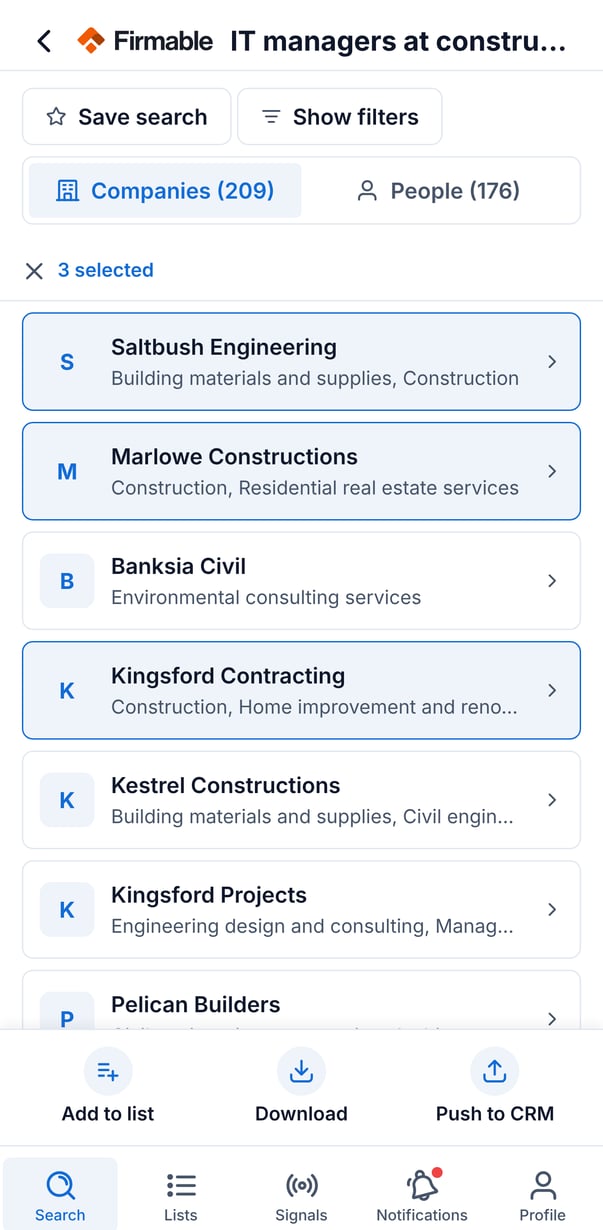
The Search tab is where you find companies and people in the Firmable mobile app. There are two ways to search: Quick lookup when you already know exactly which company or person you want, and AI search when you're prospecting with a plain-English request. Results always come back in two tabs, Companies and People, so you can move between the two record types easily.
Running an AI search
- Open the Search tab.
- Tap AI search, then type what you're looking for in plain English, for example "heads of sales at fintech companies in Sydney".
- Run the search. Firmable interprets your request and returns matching companies and people.
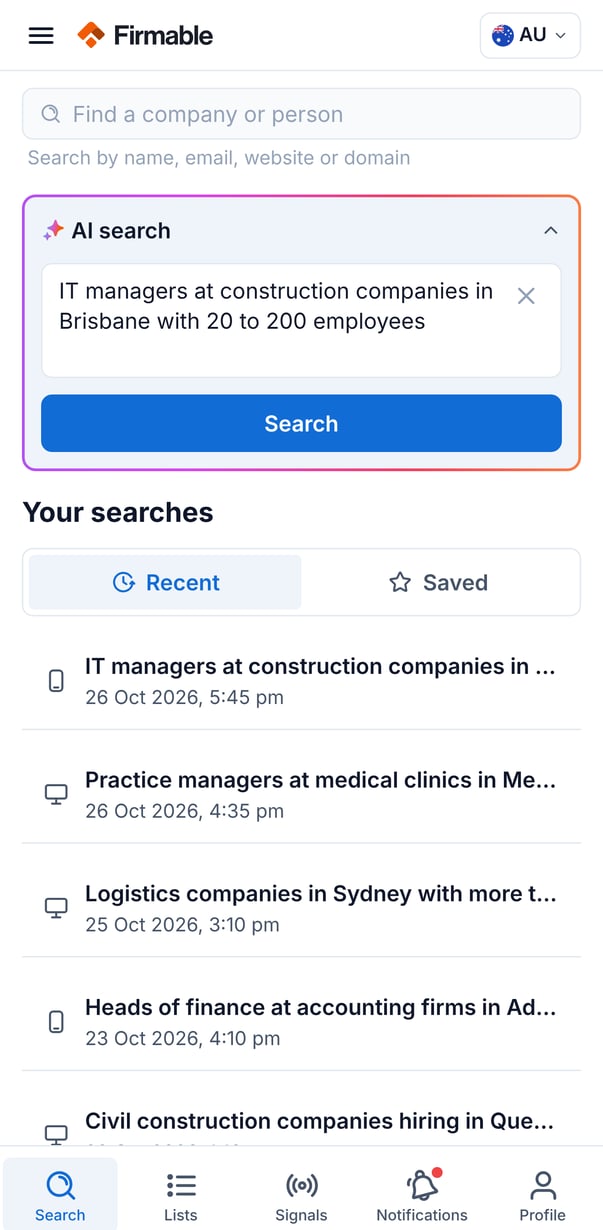
Understanding search results
- Company rows show the logo (or initials), name, and industry. Tap a row to open the company profile.
- People rows show the name, job title, and company, plus small icons indicating whether an email and/or phone number is available.
- Load more appears when there are additional results, and shows how many remain.
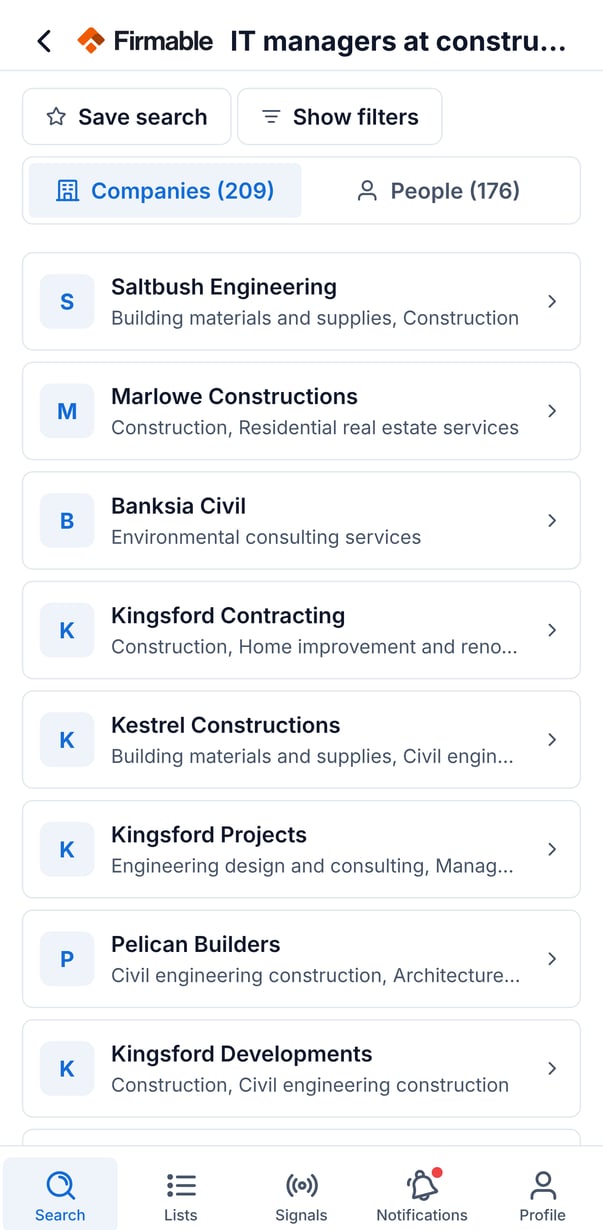
Recent searches
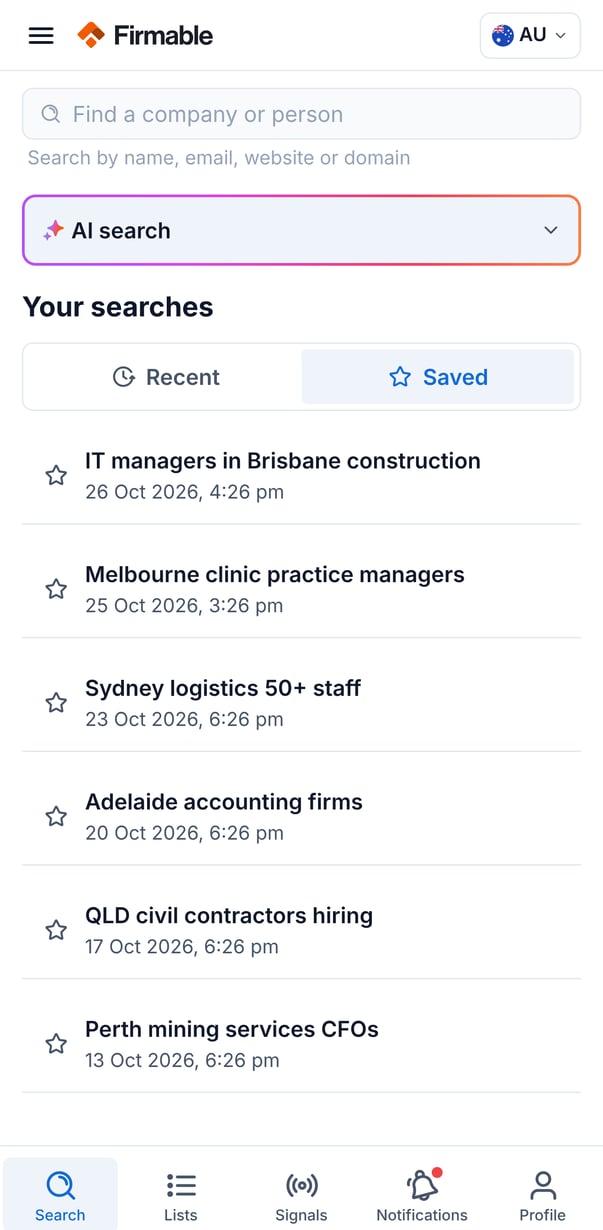
Recent searches are listed with when they were last run; tap one to re-run it. Searches you ran on the web also appear here, each tagged with an icon showing where it came from (mobile or desktop), so your search history stays consistent across devices.
Saved searches
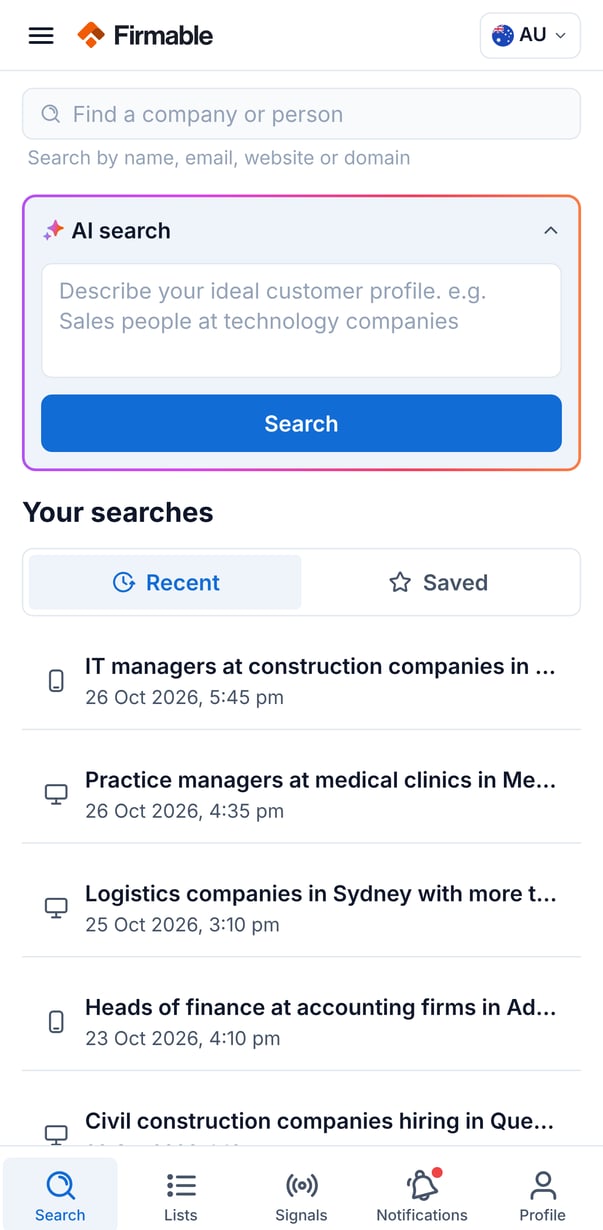
Save a set of results under a name you choose. Saved searches keep the search terms and filters, so re-running one returns the same kind of results.
Viewing filters
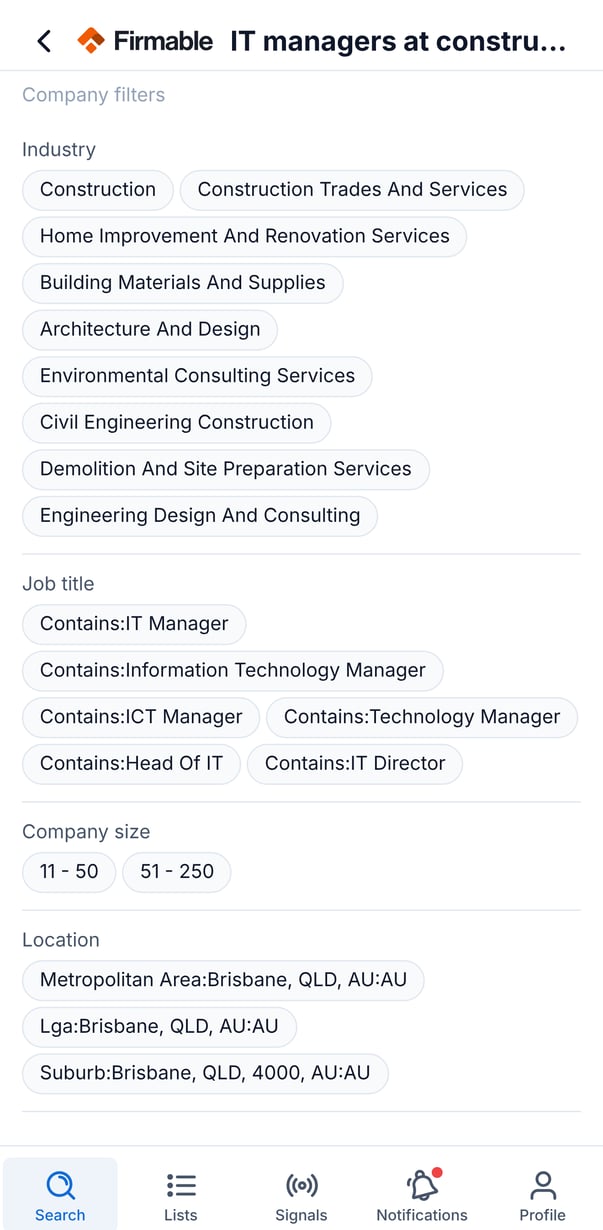
Tap Show filters to see the filters behind the current results, such as industry, location, company size, revenue, seniority, and department. On mobile this view is read-only; to change filters, save the search and edit it in the Firmable web app.
Choosing your countries
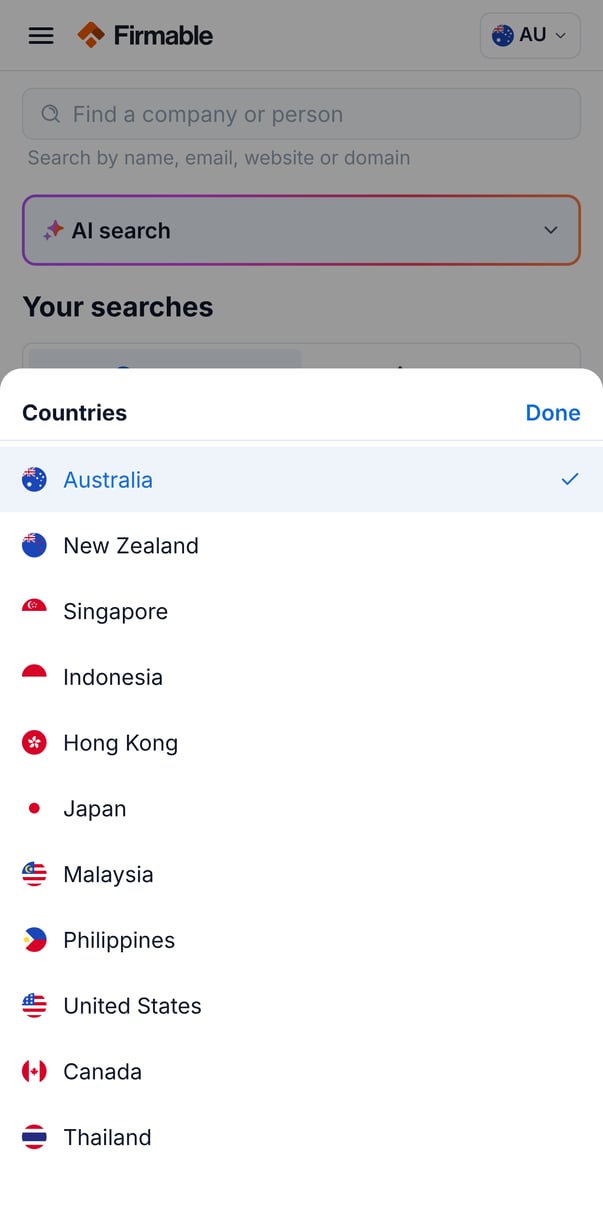
The country control in the Search header sets which countries your results and data cover. You can select one or more supported countries. Some company data, including website, location, employee count, and revenue, is country-specific.
Selecting results for bulk actions
- Long-press a row to start selecting, then tap more rows to add them to the selection.
- With rows selected, tap Add to list to add the selected companies or people to one of your lists.
- Download and Push to CRM options also appear here but are not yet available.