To change the email address you log in with, add the new address and verify it, then make it your primary email address. You can then remove the old one.
Add and verify the new email address
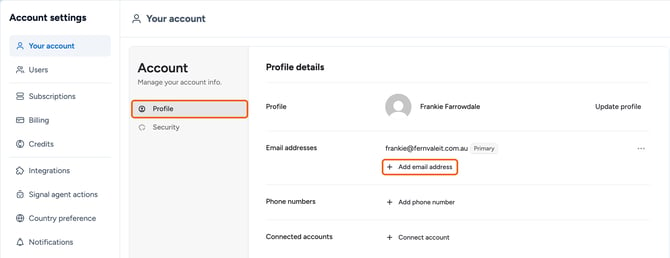
- Click your profile picture (top right) and select Manage account.
- In Your account > Profile, click Add email address.
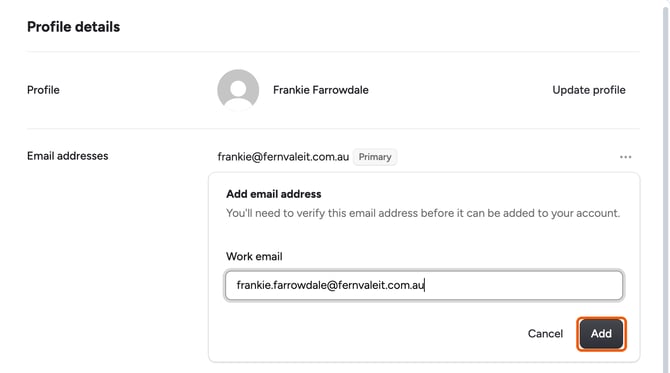
- Enter your new work email and click Add. Firmable sends a 6-digit verification code to that address.
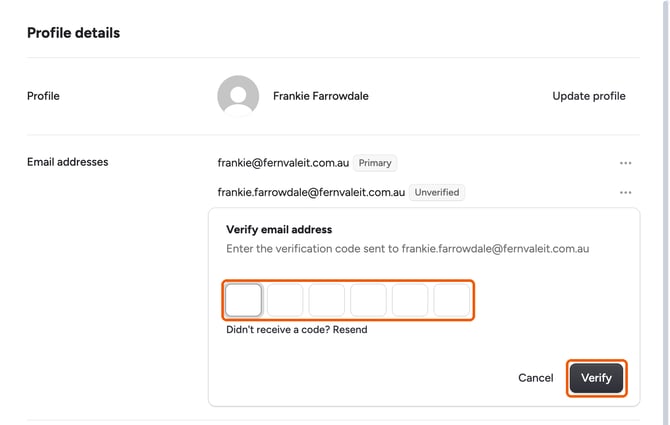
- Enter the code and click Verify. If the email hasn't arrived, click Resend.
Make the new address your primary email
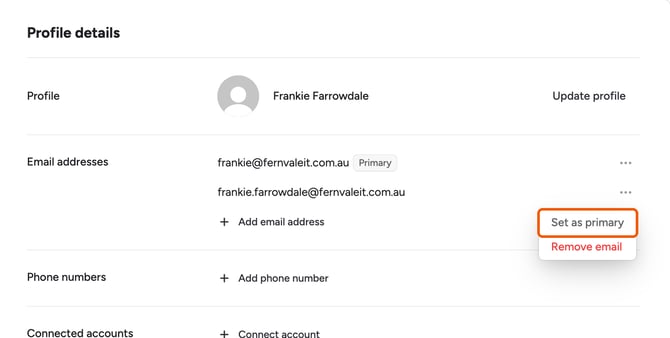
- Click the ... icon next to the new address and select Set as primary.
Remove the old email address
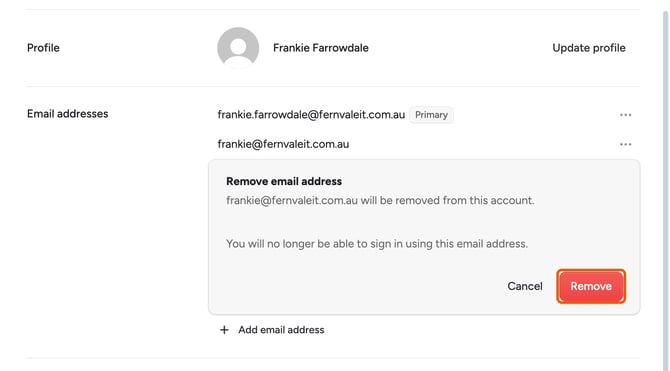
- Click the ... icon next to the old address and select Remove email.
- Click Remove to confirm. You can no longer log in with the old address.