
The Firmable API enables you to enrich company and people records by integrating your systems directly with Firmable’s data. This guide outlines the key resources available in the API documentation and helps you get started.
Use the Firmable API to integrate enriched data into your tools or workflows, streamlining processes such as lead enrichment and sales engagement.
Learn more:
- Full API documentation
- How to create an API key
- What the API documentation covers
- How to manage API keys
Prerequisites
- You are on an Enterprise plan with Firmable. If you’re not on an Enterprise plan, you can use the Firmable API with a developer account. It’s separate from your Firmable account and has its own credits. Learn more at Firmable for developers, or read the developer documentation to get started.
- You have the Admin, Manager or Integration role on Firmable.
Full API documentation
Access the complete and most up-to-date Firmable API documentation.
How to create an API key
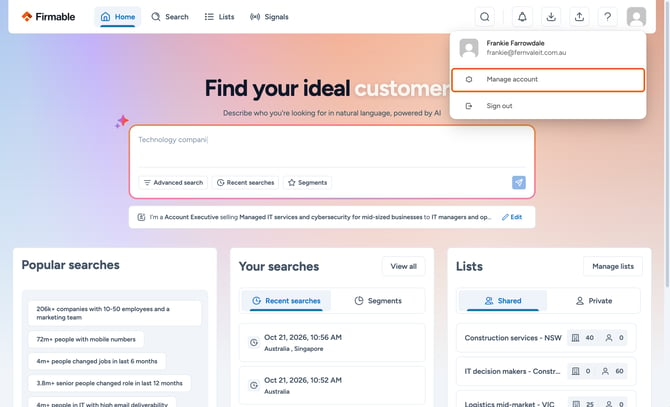
- Click your profile picture (top right) and select Manage account.
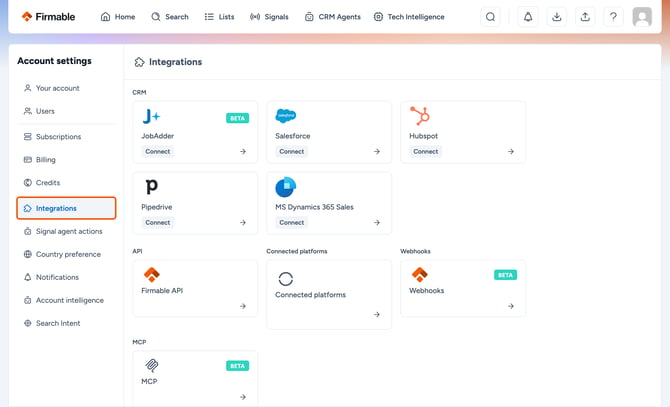
- In the Account settings sidebar, click Integrations.
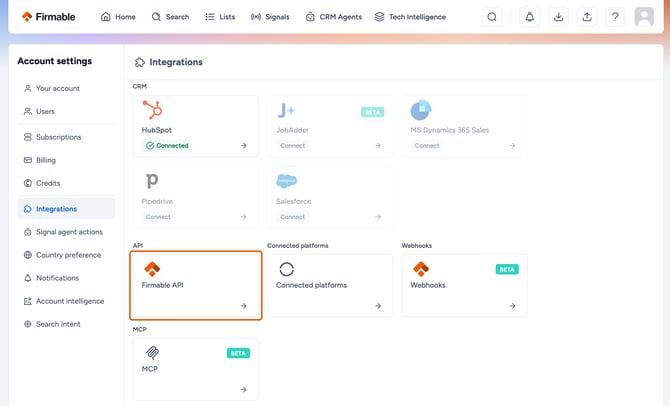
- Click API.
- Click Generate API key.
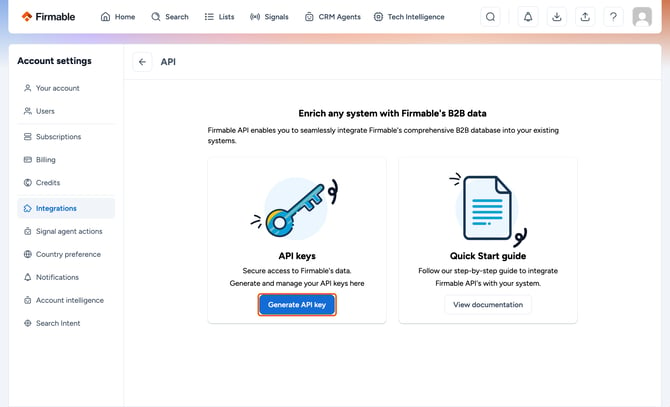
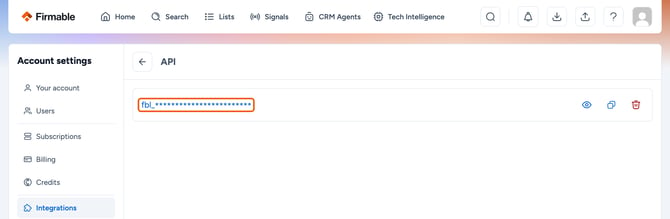
- Your API key has now been generated.
What the API documentation covers
For authentication, endpoints and rate limits, read the API reference.
How to manage API keys
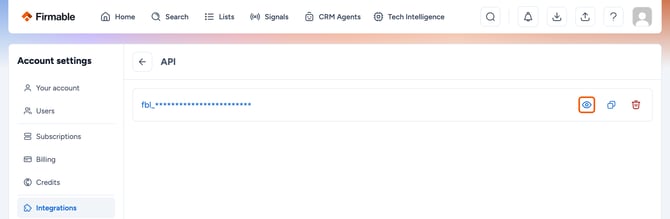
- Click the eye icon to view your API key.
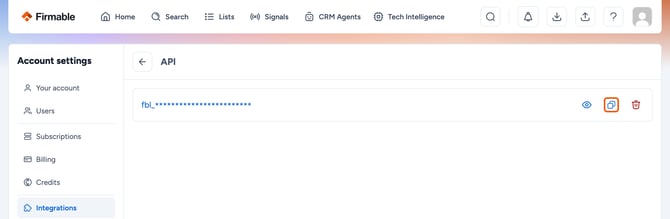
- Click the copy icon to copy the key for integration.
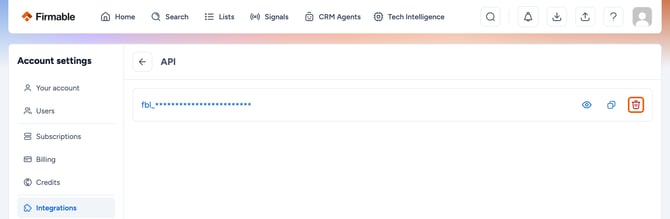
- Click the rubbish bin icon to delete your API key. You can then generate a new one.
Important note: Store your API key securely and never expose it in public repositories or client-side code.